Split costs and scan receipts
Add expenses, split them, and see who owes whom.
Add an expense
- Open the trip and tap Spending.
- Tap +.
- Enter a description and the amount.
- Under Paid by, pick who paid.
- Under Split, choose Equally or By amount, and pick who it is split between.
Scan a receipt
- When adding an expense, tap Scan receipt to use the camera, or Choose receipt photo to use a photo you already have.
- The app reads the total, the shop and the date and fills them in. Check them before saving.
The text is read on your phone. The receipt photo is saved with the expense so people on the trip can view it.
If you see No total found, type the amount yourself. The photo is still attached.
Settle up
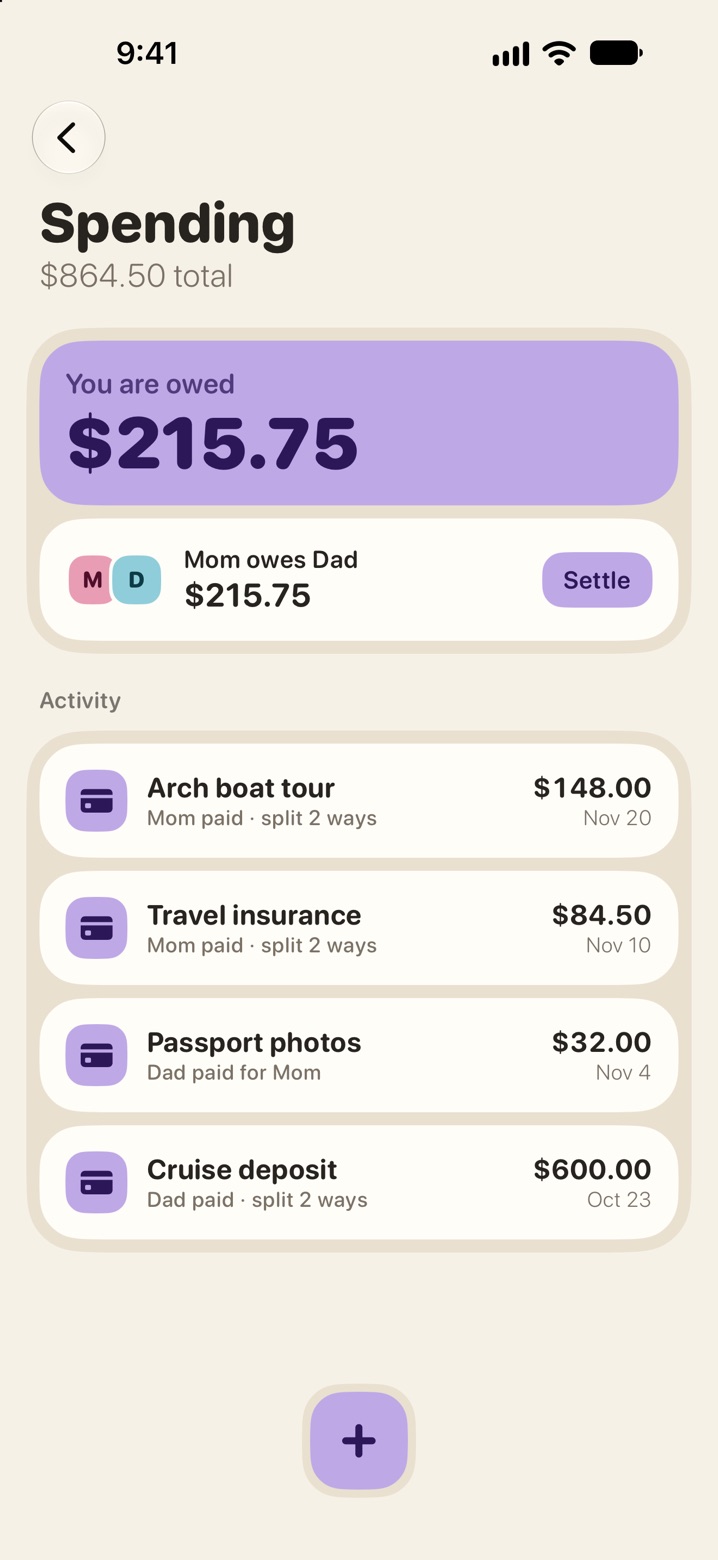
The top of the Spending screen shows what you owe or are owed. Under it is who owes whom.
- Pay the person however you usually do. eventobox does not move money.
- Tap Settle next to the debt to record that it has been paid.